

 |
For cLAN V2 or higher |
The cLAN has two Modbus slaves that can be used to read the value of the device's channels. One slave can be configured in one serial port (Modbus RTU or Modbus ASCII). The other one in it's Etherner port (Modbus TCP)
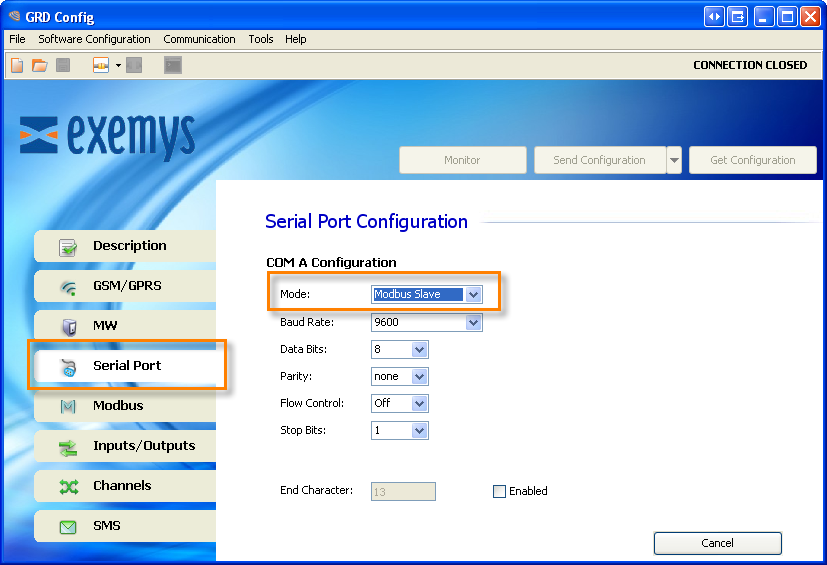
To use the serial port Modbus slave configure one serial port in "Modbus Slave" mode
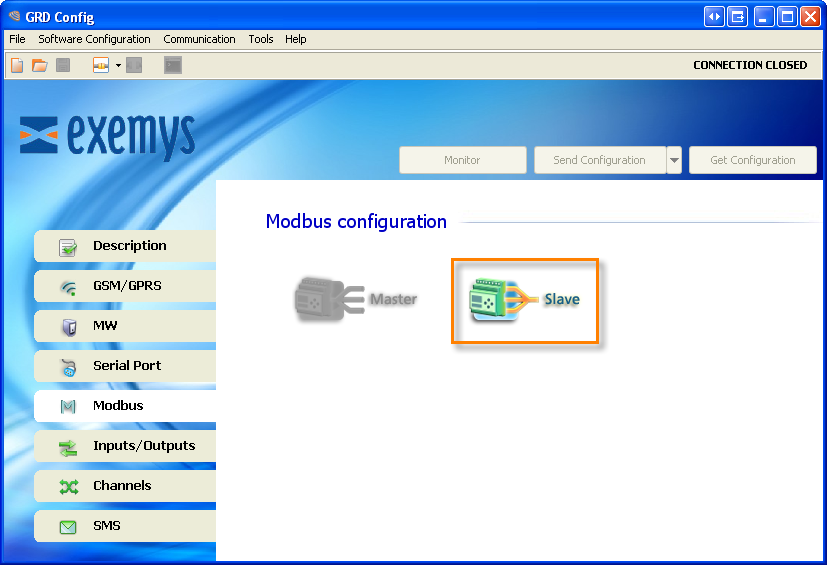
Then, go to the “Modbus” tab and select “Modbus Slave”
Here you can configure the following paramaters
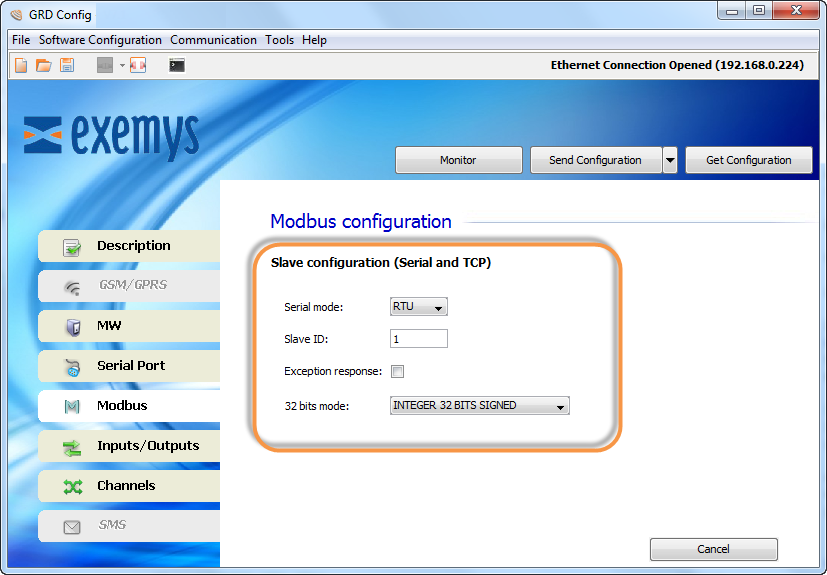
It refers to the Modbus protocol to be used, being RTU or ASCII.
The cLAN will answer when it receives a Modbus query to this Modbus slave ID
If enabled the cLAN will answer with an exception to a query sent with an invalid command, address range or value.
AN an P channels are mapped in 32 bit registers. Here you can configure if the most significant word is mapped in the first or the second register
The Modbus TCP is always enabled. The cLAN will answer the Modbus TCP queries on port 502. It can support up to four simultaneous connections.
Go to the “Modbus” tab and select “Modbus Slave”
Here you can configure the following paramaters:
The cLAN will answer when it receives a Modbus query to this Modbus slave ID
If enabled the cLAN will answer with an exception to a query sent with an invalid command, address range or value.
Pulse channels are mapped in 32 bit registers. Here you can configure if the most significant word is mapped in the first or the second register
This is how cLAN channels are mapped
Start Address |
End Address |
cLAN Channel |
Format |
10001 |
10100 |
I1 a I100 |
Bit |
00001 |
00100 |
O1 a O100 |
Bit |
40001 |
40200 |
AN1 a AN100 |
32 Bits integer |
40201 |
40400 |
PI1 a PI100 |
32 Bits integer |
Example. On a cLAN-3524-XF or MQ with the default configuration, the physical I/Os are mapped like this
Start Address |
End Address |
cLAN Channel |
10001 |
10016 |
I1 a I16 |
00001 |
00008 |
O1 a O8 |
40001 |
40016 |
AN1 a AN8 |
40201 |
40216 |
PI1 a PI8 |
2020-10-05