

This devices can be configured remotely using a MQTT broker to gain acceso the the device.
You have to configure a configuration topic to publish and receive (subscribe) the configuration.
The GRDconfig software will use the same topic to configure the device.
Topic configuration. The device will add a text to the topic as explained later.
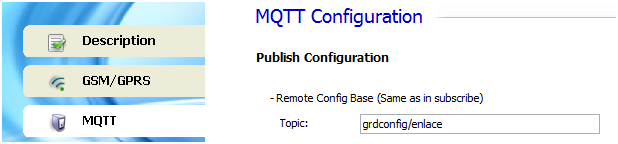
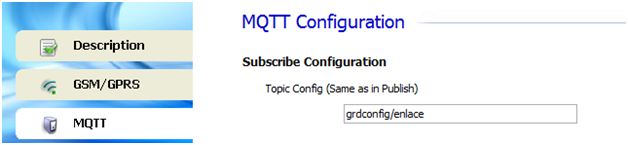
The device will add the ClientID to the base configuration topic.
Example
Subscribe -> grdconfig/enlace/1/clientID
Publish -> grdconfig/enlace/0/clientID
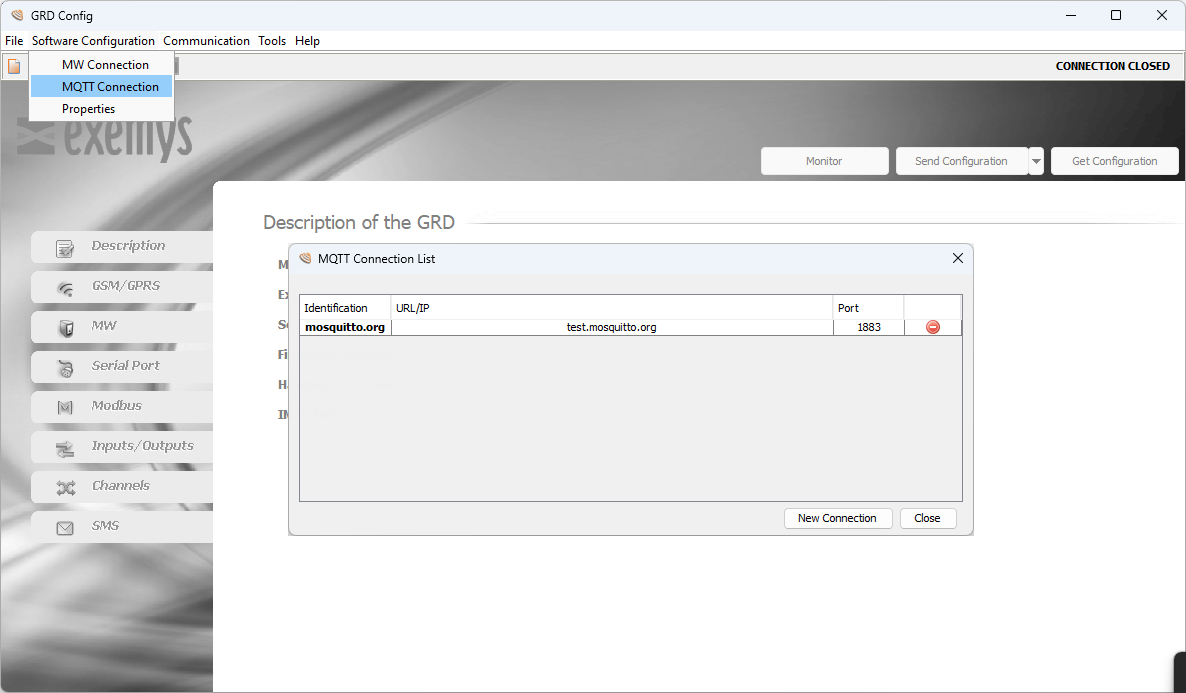
You must configure the broker access and the base configuration topic
Go to “Software Configuration -> MQTT Connection”
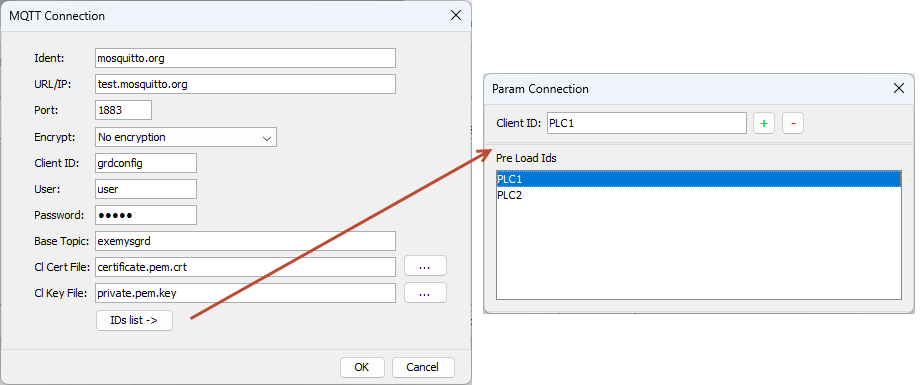
This base topic must match the one configure on the device.
Go to “Communication -> Open MQTT Connection ”
Then select the Connection and ClientID of the device you want to configure.
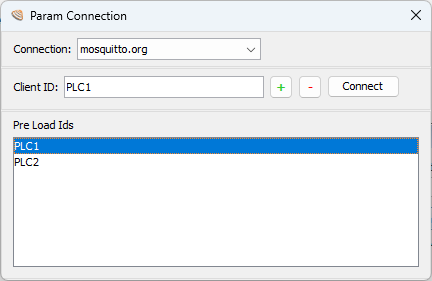
Once the link is established use the "Monitor", "Get Configuration" and "Send Configuration" buttons.
 |
MQTT connection parameters (and GPRS on GRD) can't be modified remotely |