

The wRemote-1500-ETH-CN can be configured throug its USB port, but it also can be configured through its Ethernet port.
The user must also configura an IP addres, netmask and gateway.
Connect the wRemote to your computer using a USB cable, open wRemoteConfig and press theUSB button 
The configuration is almost identical as the wRemote-1000-CN. But you should configure the network interface.
To configure the network press the button 
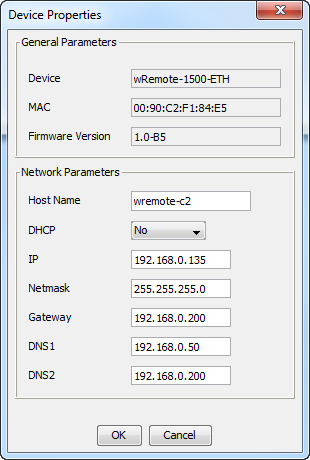
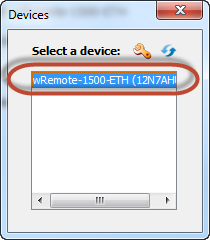
Double-click to continue the configuration
To configure the wRemote locally your computer must be connected to the same network.
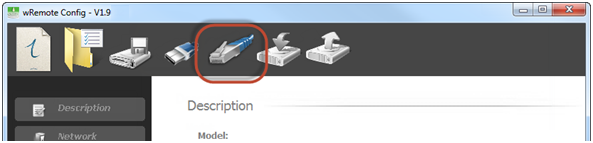
Press the network button:
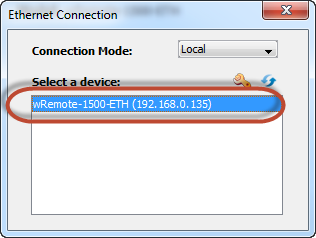
All wRemote-ETH within the network will be listed. Select and press the button to change the network configuration or double-click to continue the configuration.
The method will allow you to configure the device when once it's installed on a different network. Press the network button but select Remote configuration mode.
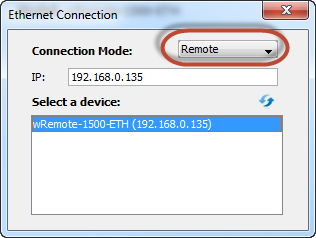
The type the IP address of the devie and press the  button.
The device should be display in the list below. Double click to continue.
2021-11-12